APP ANATOMY
Twelve pillars, one app
Every core screen in Civic Radar, broken down with real product screenshots and hotspot annotations — from the first sign-up step to the Steward handoff in Settings.
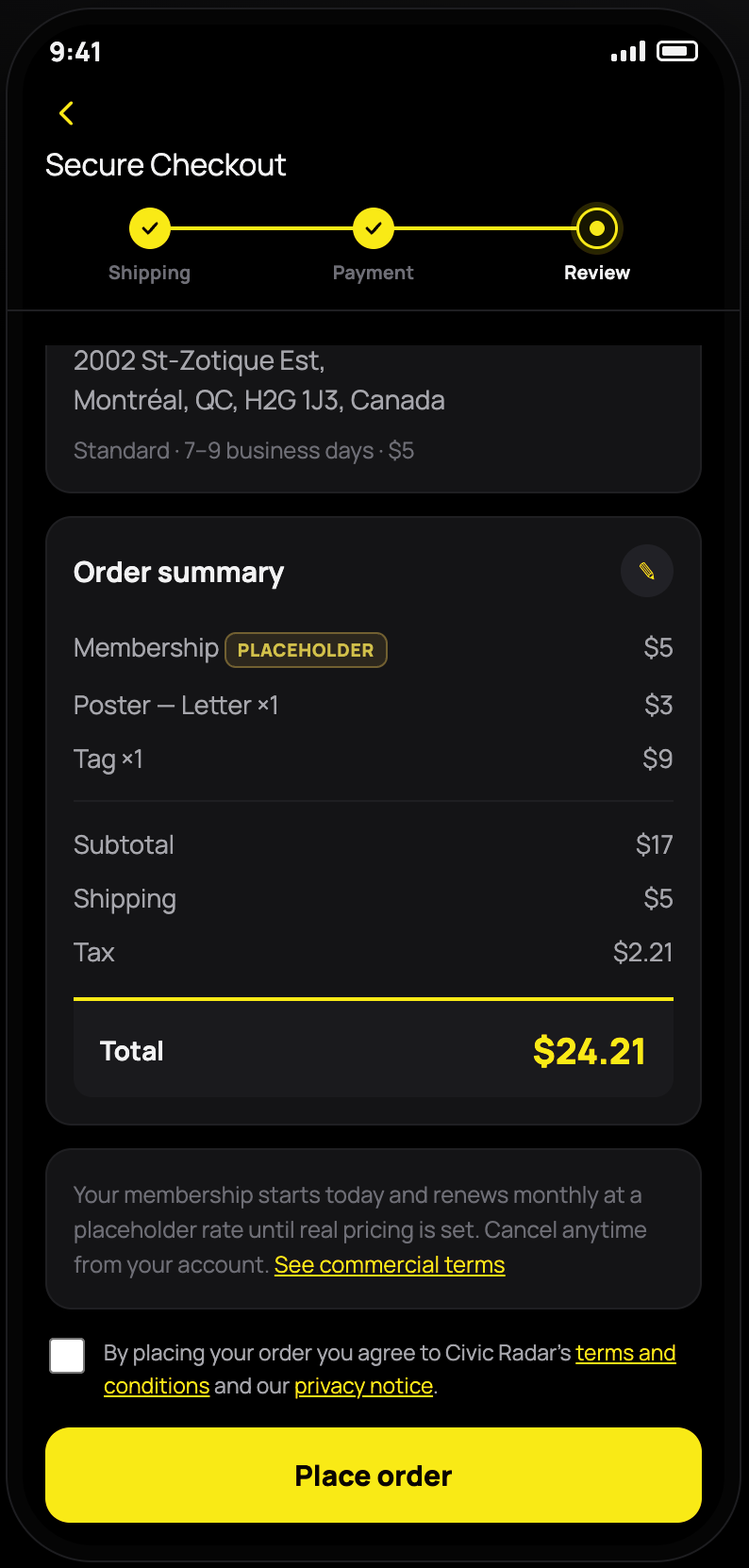
Sign-up
From scanning a lost item's tag to becoming a fully set-up Sentinel, sign-up walks through what's asked at each stage — profile basics, an avatar instead of a photo, an optional public introduction, private medical details, and, if you choose to become a Sentinel, the plan, tags, and checkout that come with it.
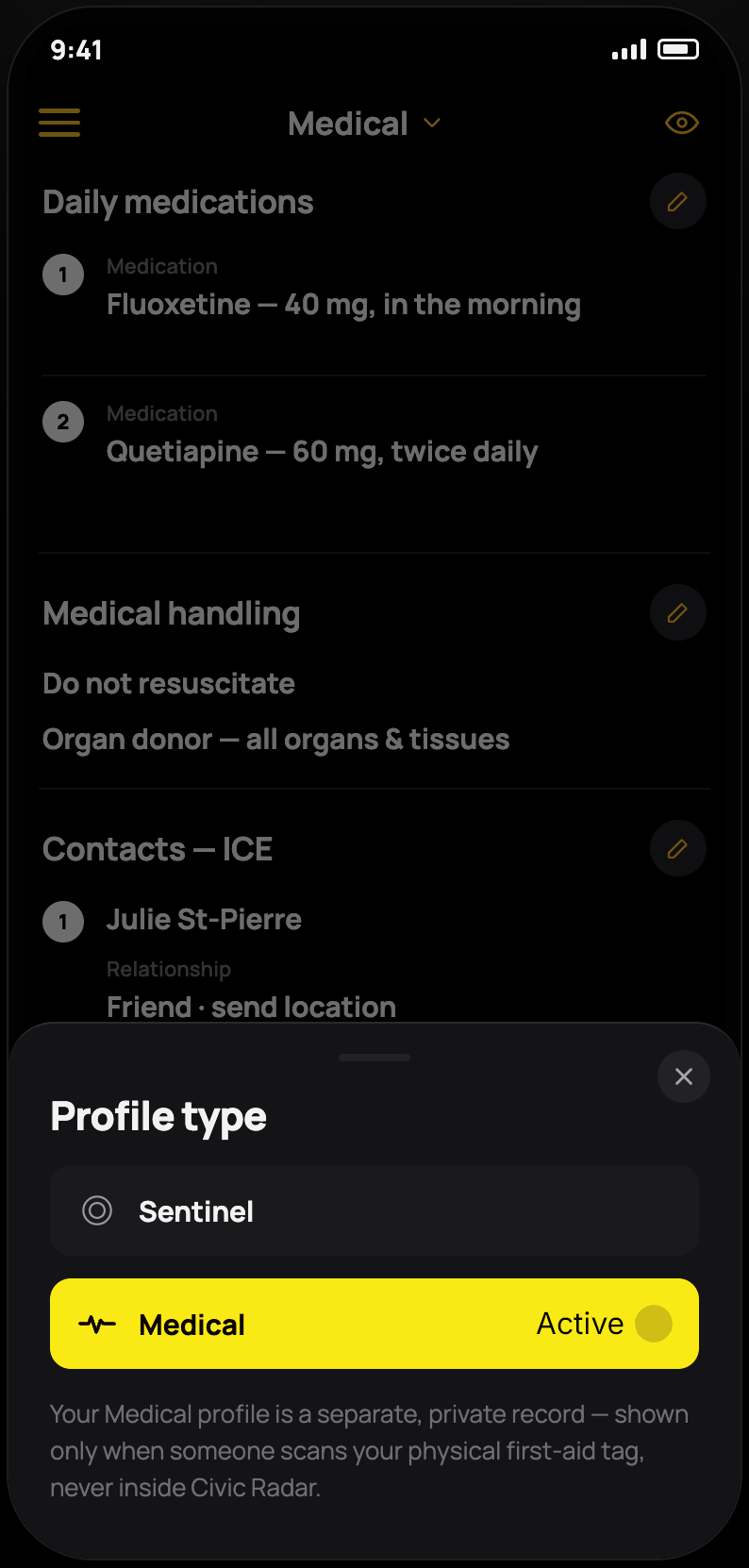
Contextual Profiles
One person, several faces. Civic Radar lets a Sentinel run separate, purpose-built profiles — a personal one, a market-stall one, or more — each with its own cards, its own audience, and its own switching rules.
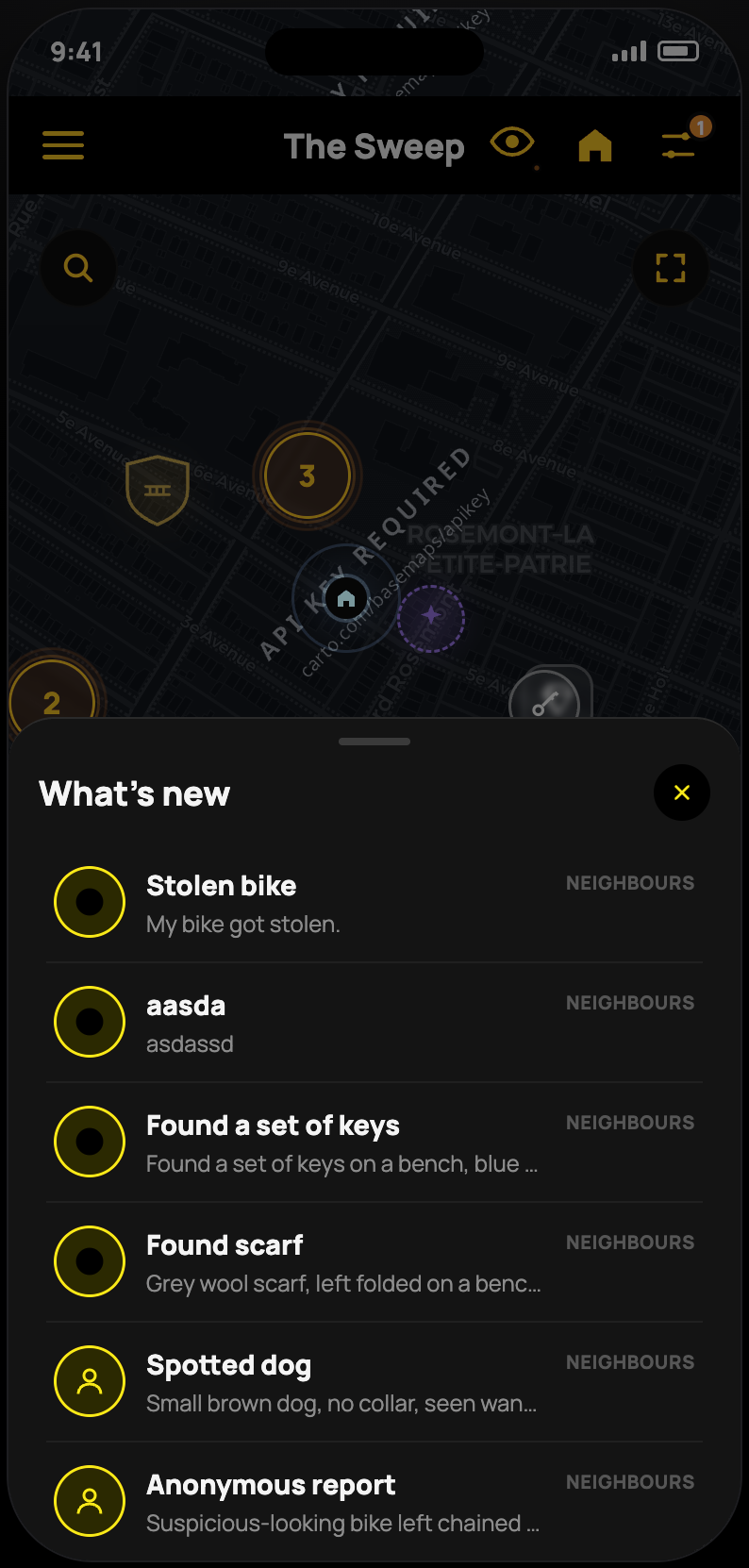
The Sweep (Map)
The hyper-local map at the centre of Civic Radar — found and lost items, safety reports, and community happenings, dropped as pins by real neighbours. A Safe Haven network and a private note-to-self layer round it out.
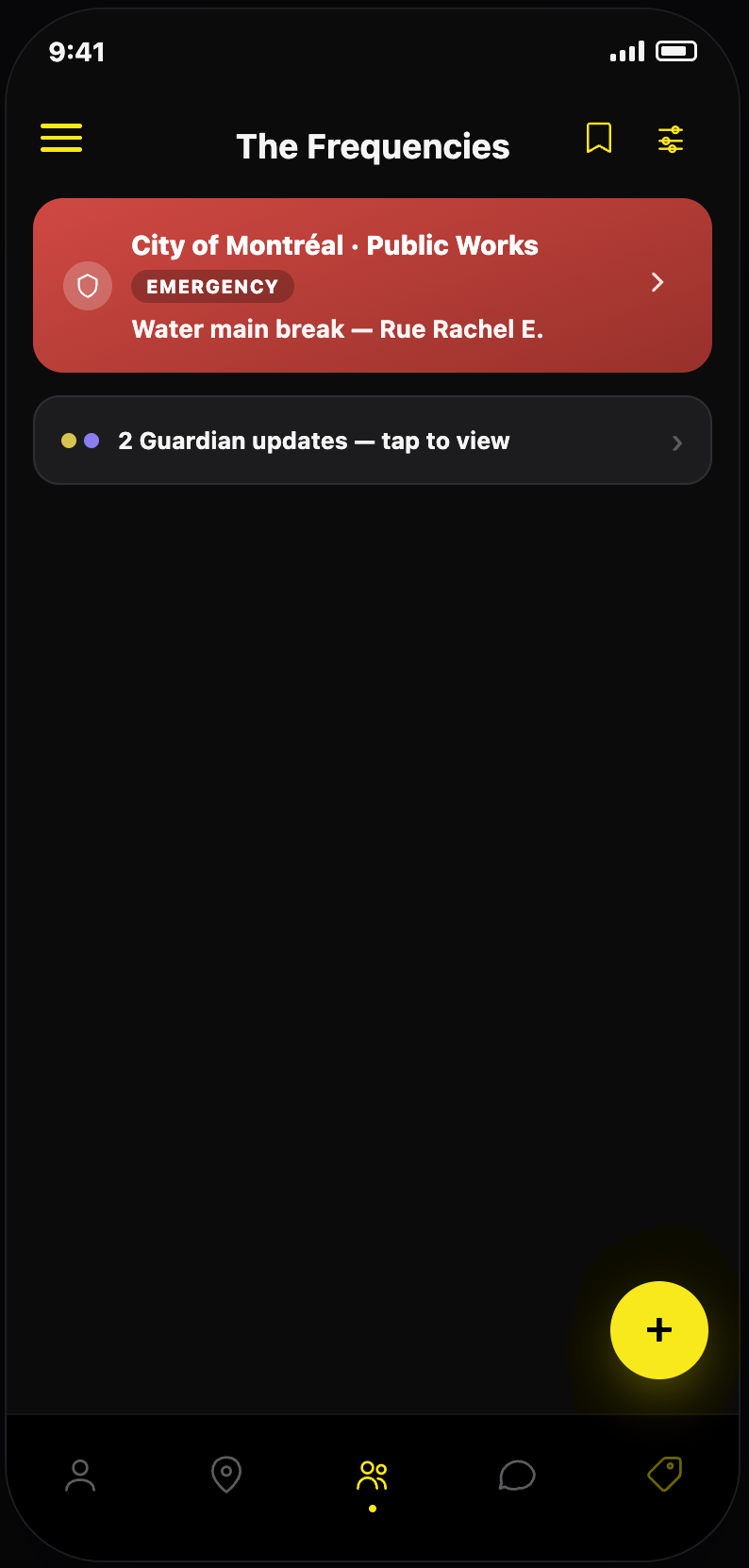
The Frequencies (Community Hub)
Civic Radar's shared feed — Guardian alerts from the city sit above neighbour posts, sponsored Beacon offers stay clearly labelled and EKC-vetted, and an inline Q&A composer lets residents ask an alert a direct question.
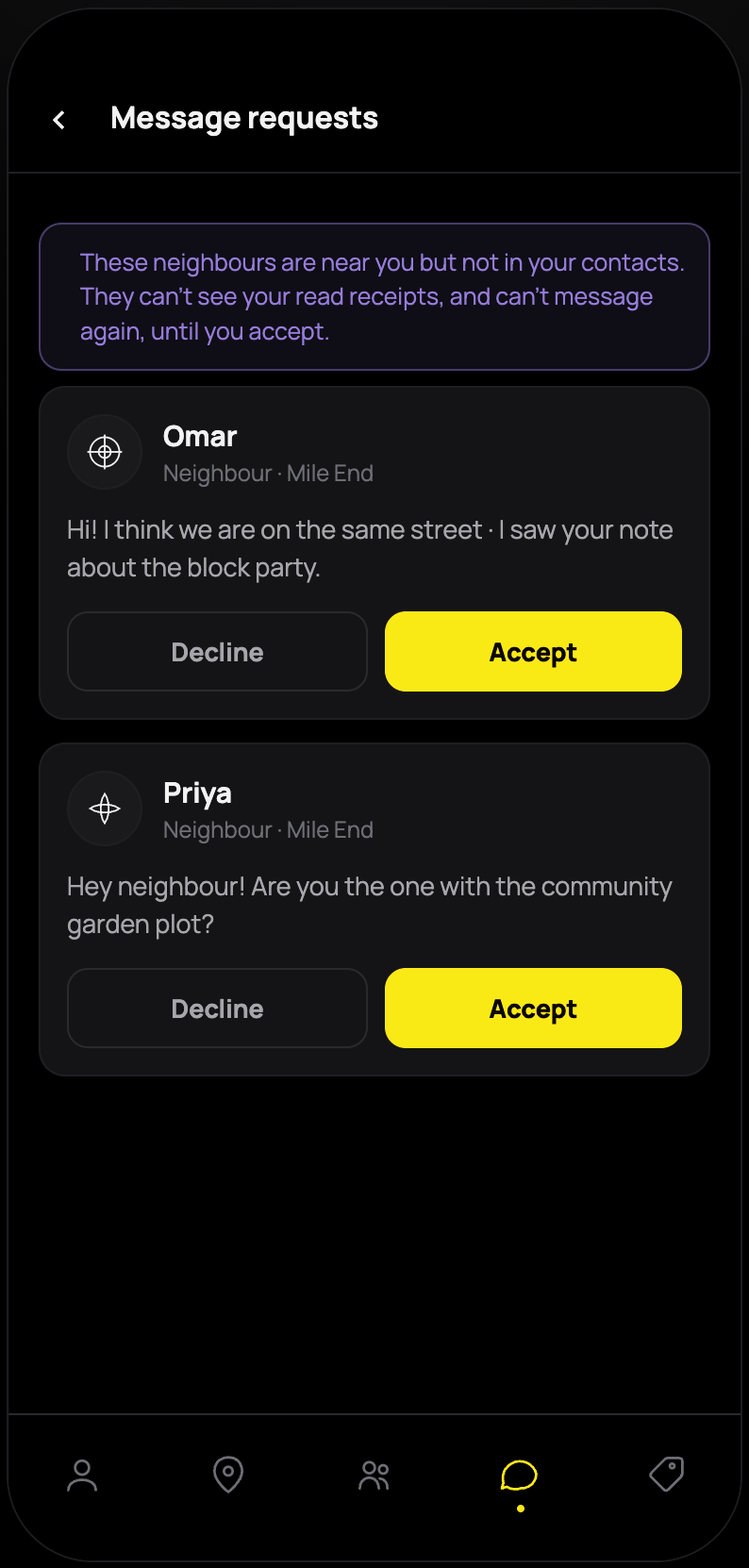
The Chirps (Messages)
Where Sweep pins become people. Ordinary chat sits alongside a dedicated Recovery flow — anonymous by default, meeting only at public Safe Havens, with disputes and police/insurance exports built in.
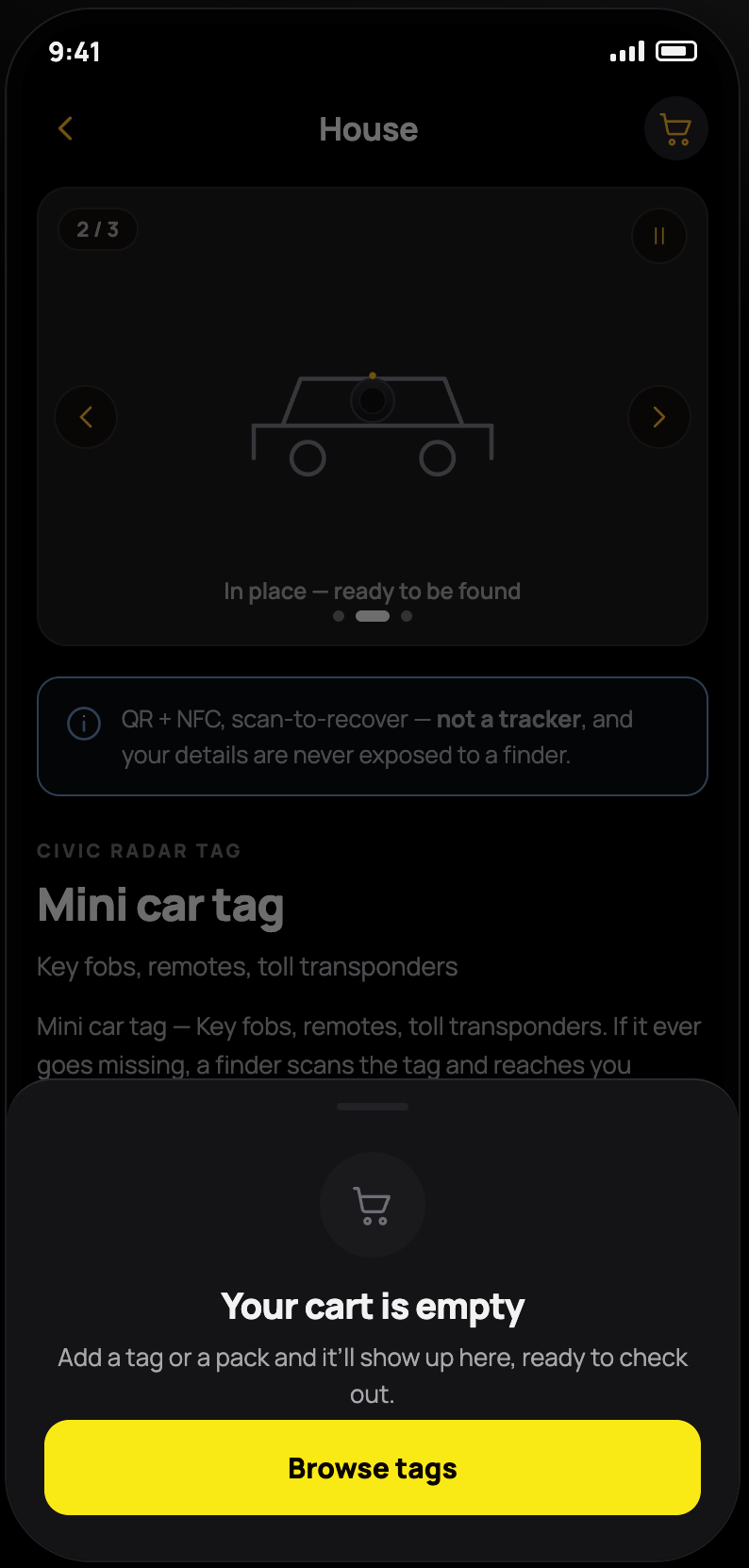
The General Store (Shop)
Turns Civic Radar's core recovery pattern into a small marketplace — physical tags priced by category under Protect, and printable notices, events, and gift moments under Broadcast.
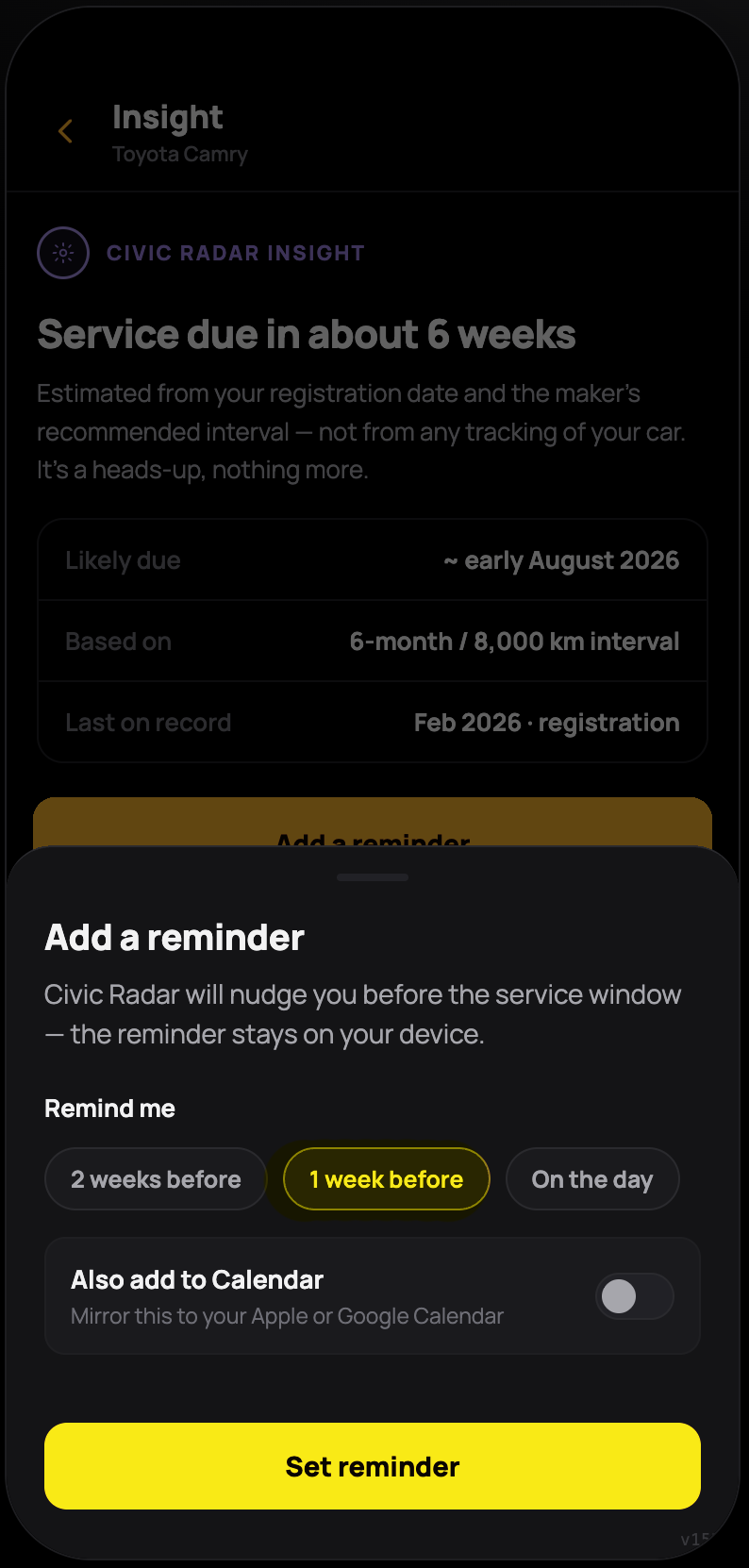
The Vault (Assets)
Holds the receipts and registration behind every belonging you protect. Tags trigger anonymous recovery chats and Safe Haven meetups, and a confirmed Steward stands ready if you're ever unable to manage it yourself.
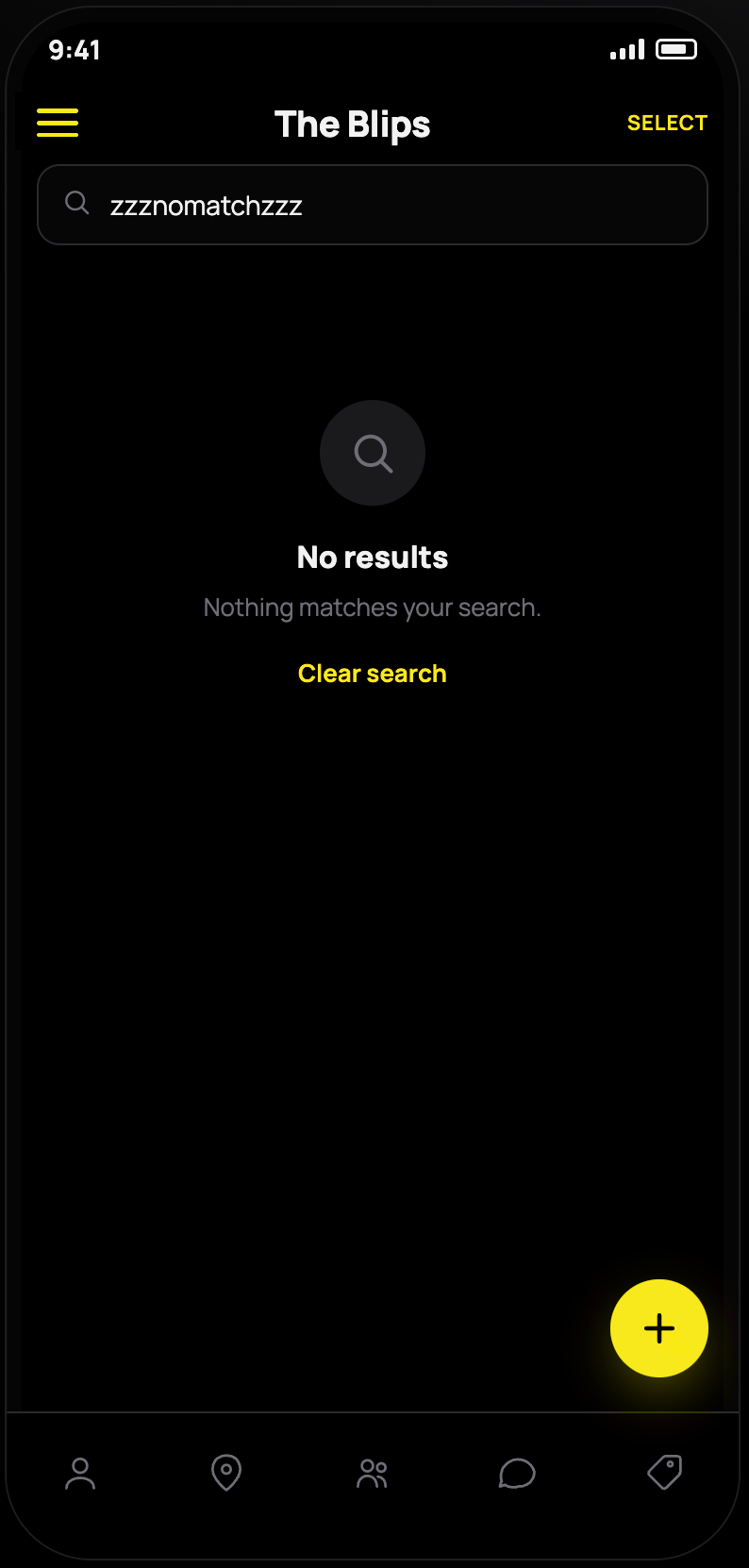
The Blips (Contacts)
Civic Radar's quick-access address book — trusted neighbours pulled from real interactions rather than a cold contact list, with an Emergency contact flag tied into Wellbeing alerts.
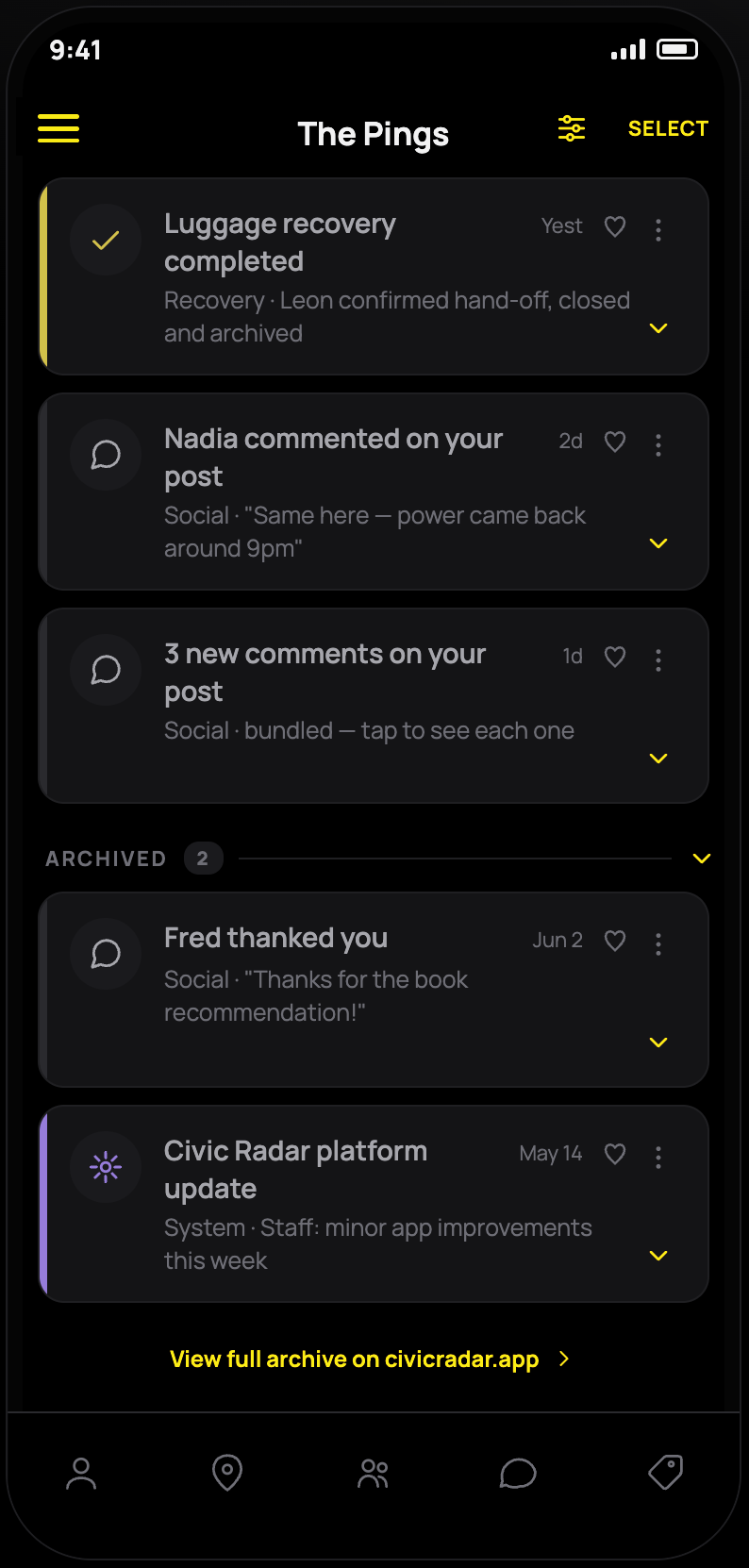
The Pings
Civic Radar's single inbox for everything that isn't a direct message — Guardian alerts, wellbeing check-ins, recovery disputes, tag scans, and social replies, ranked by urgency first.
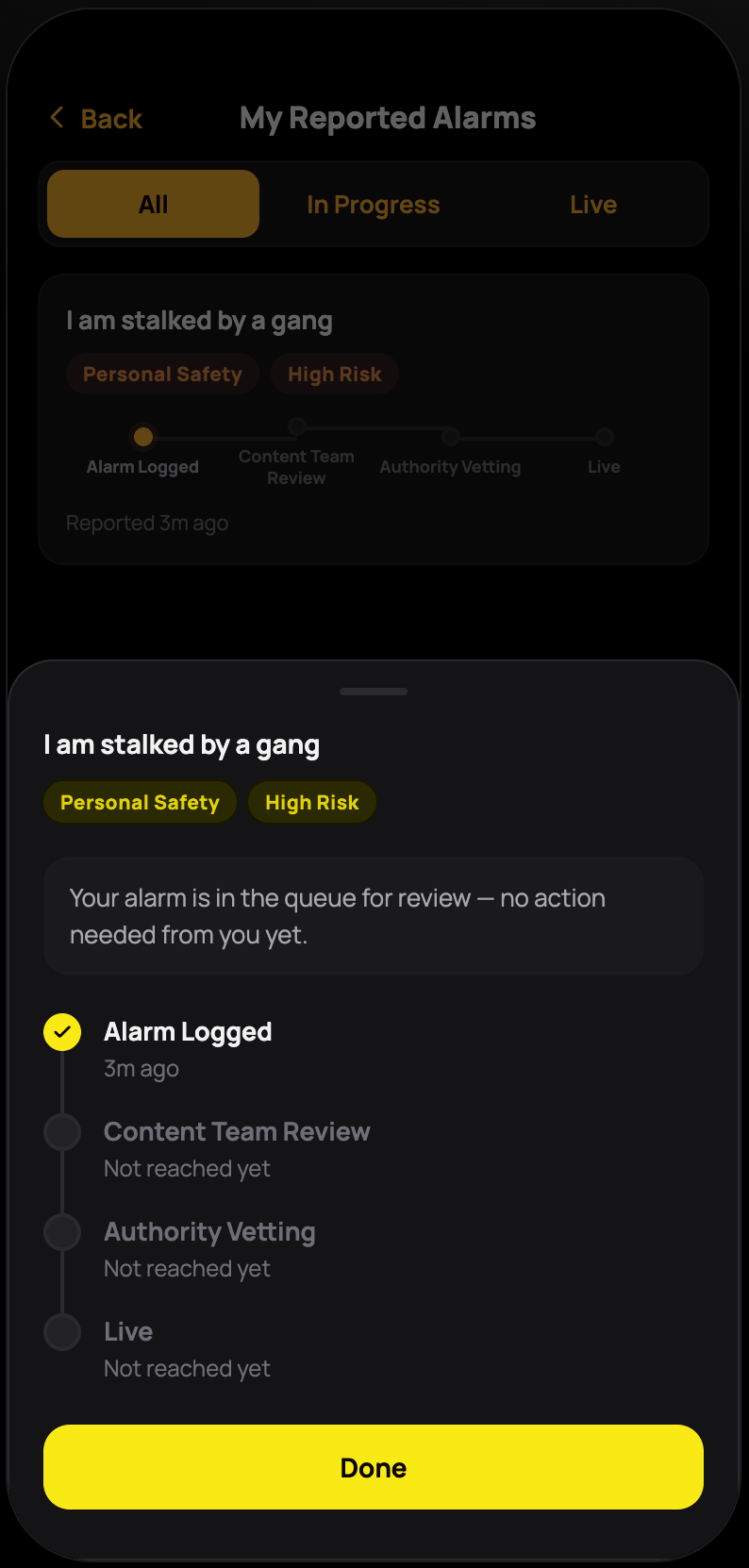
Radar Alarms
Civic Radar's protocol library — police-, medical-, and specialist-vetted guidance for real situations, turned into a searchable library, a readiness quiz, and a community reporting loop.
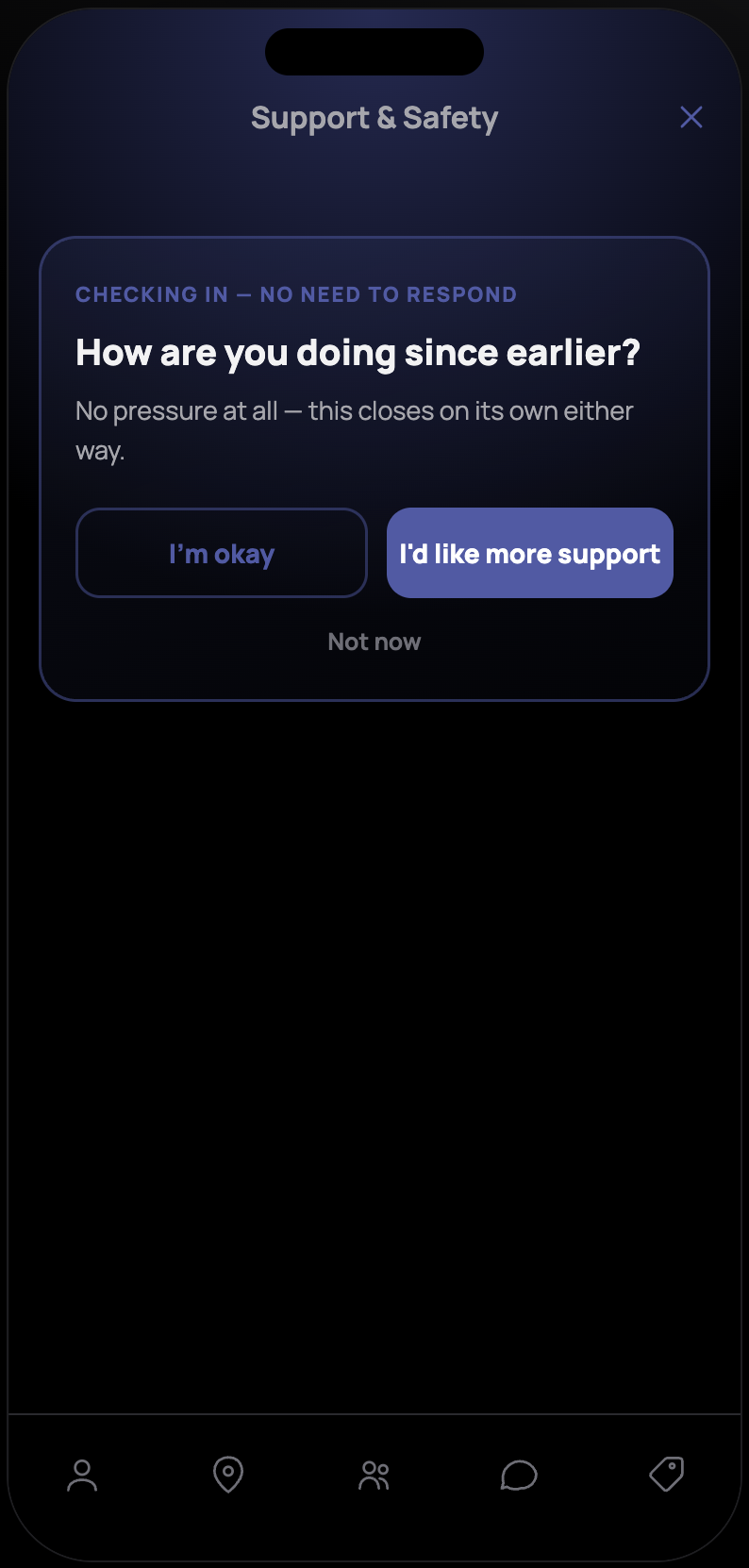
Monitor (Support & Safety)
Civic Radar's calm-space entry point for a person who needs real help right now, routing between nearby providers and crisis lines without ever asking someone in distress to fill out a form first.
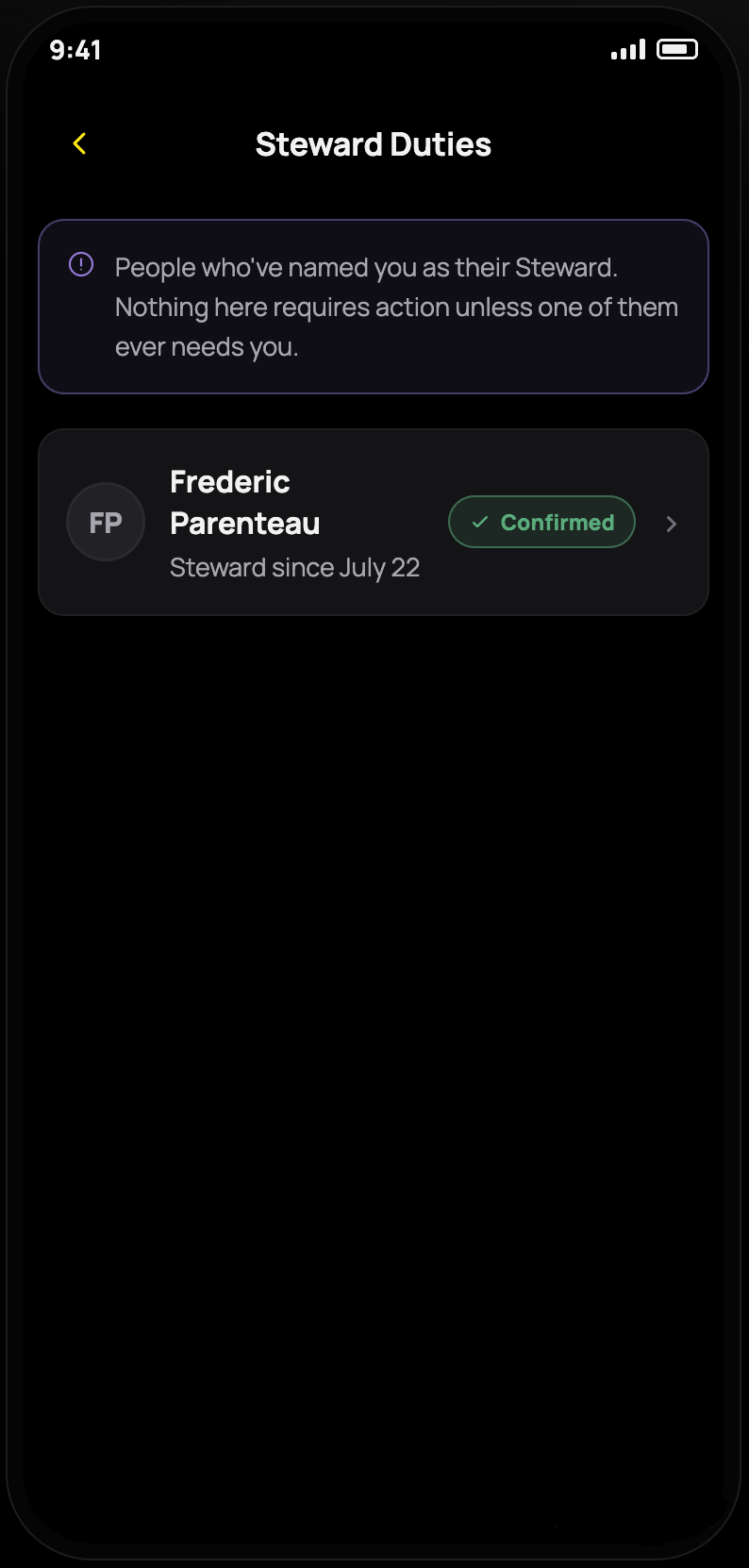
Settings
Where Civic Radar's account, notification, and privacy tools live — including a way to name a Steward who could step in and manage your Vault if you're ever unable to yourself.